
Schools
The line at the AV cart
does not have to exist.
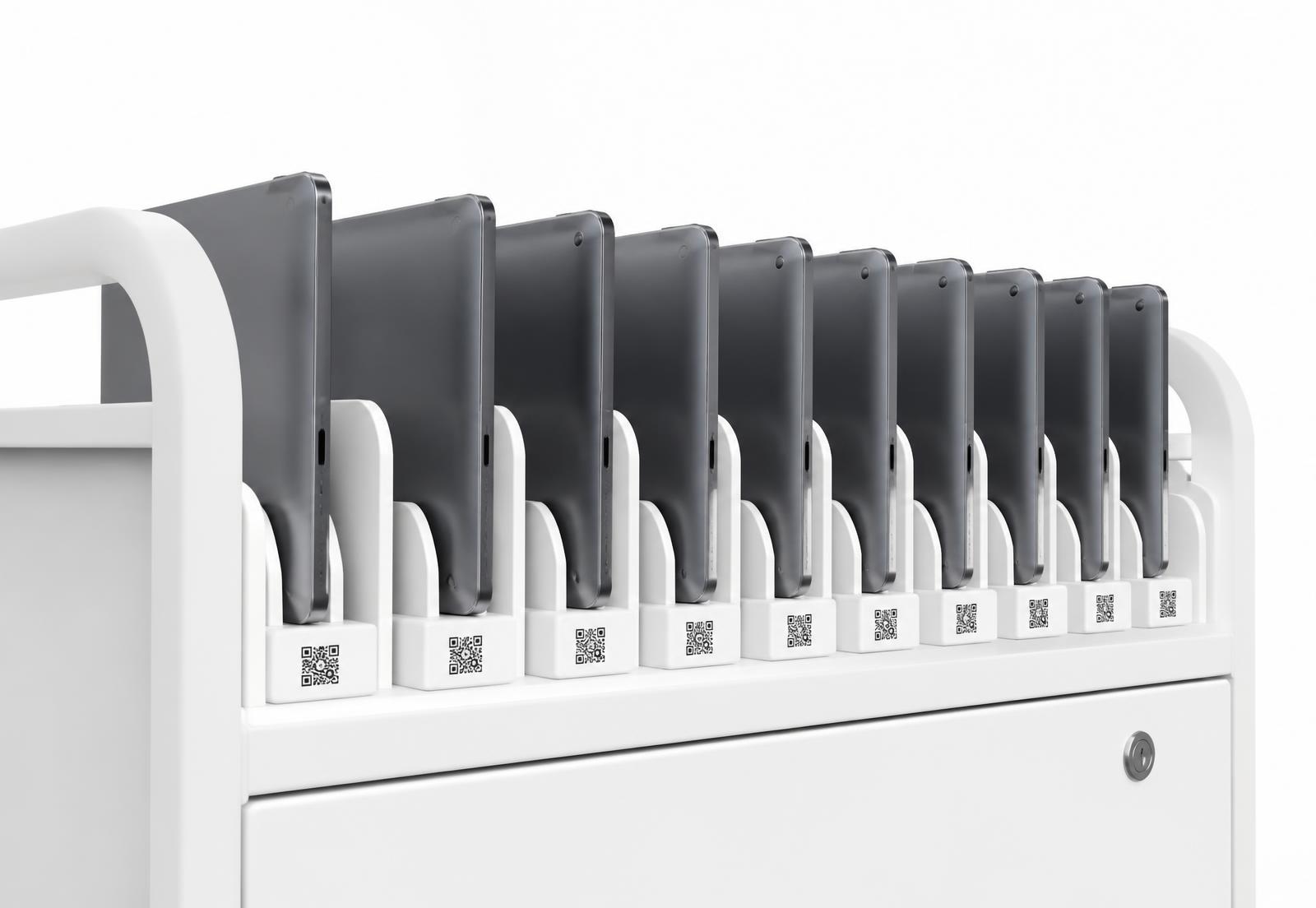
A QR on every device, a phone at the front desk, and a record that updates the moment a student walks away.
A Monday
From doors open to end of day.
One phone at the desk handles the entire loan programme, and the log writes itself while you look after the students.
Doors open
Sign in with the school Google account. Nothing to install.
First loan
Scan the badge, scan the Chromebook, done. No paperwork.
Returns
One scan and they walk out. Shelf counts update live.
Overdue
Three devices missing. Reminders go out on their own.
End of day
Export the movement log, or hand the auditor a read-only link.
Scale
One cart, or every campus.
Start with a single trolley of tablets and grow to a district without changing how the front desk works.
4s
to loan a device to a student
25
devices free, forever
1
record the whole district can trust
Peace of mind
Built for the people who get blamed.
Loss, damage and missing chargers stop being a mystery, because every hand-over is signed at the moment it happens.
Bulk labels
Print a whole shipment of QR labels in one run.
Guardian links
Send home a simple page showing what a student holds.
Overdue reminders
Gentle emails first, staff escalation later.
Damage photos
Condition captured at check-out and check-in.
Term reset
Bulk return everything at the end of a term.
Roles
Front desk staff see loans only, never finance.
“The cart used to eat twenty minutes of every lesson. Now it eats none.”
What loan programmes report after a term
Questions
What schools ask first.
Do students need accounts?
No. A student badge scan is enough. Staff sign in, students never have to.
Does it work offline?
The desk keeps working on a weak connection and syncs the loans once it is back.
Is student data safe?
Only staff you invite can see names, roles are scoped tightly, and nothing is shared outside the school unless you send a link yourself.
The details